Why Your Humidity Sensors Read Different Values
Short Answer
Your dehumidifier says 55%. Shipshape says 57%. That two-point gap is almost always normal. Every humidity sensor in your home has a published margin of error of around three percent, and even within that, where a sensor sits, what's around it, and the air moving past it can shift the reading by several more points. Both devices can be working perfectly and still disagree slightly.
A 2 to 5 percent difference between two sensors is normal. A 10 percent or larger gap that persists for hours is worth investigating. The sections below explain why this happens and when to call your service professional.
Every Humidity Sensor Has a Built-In Margin of Error
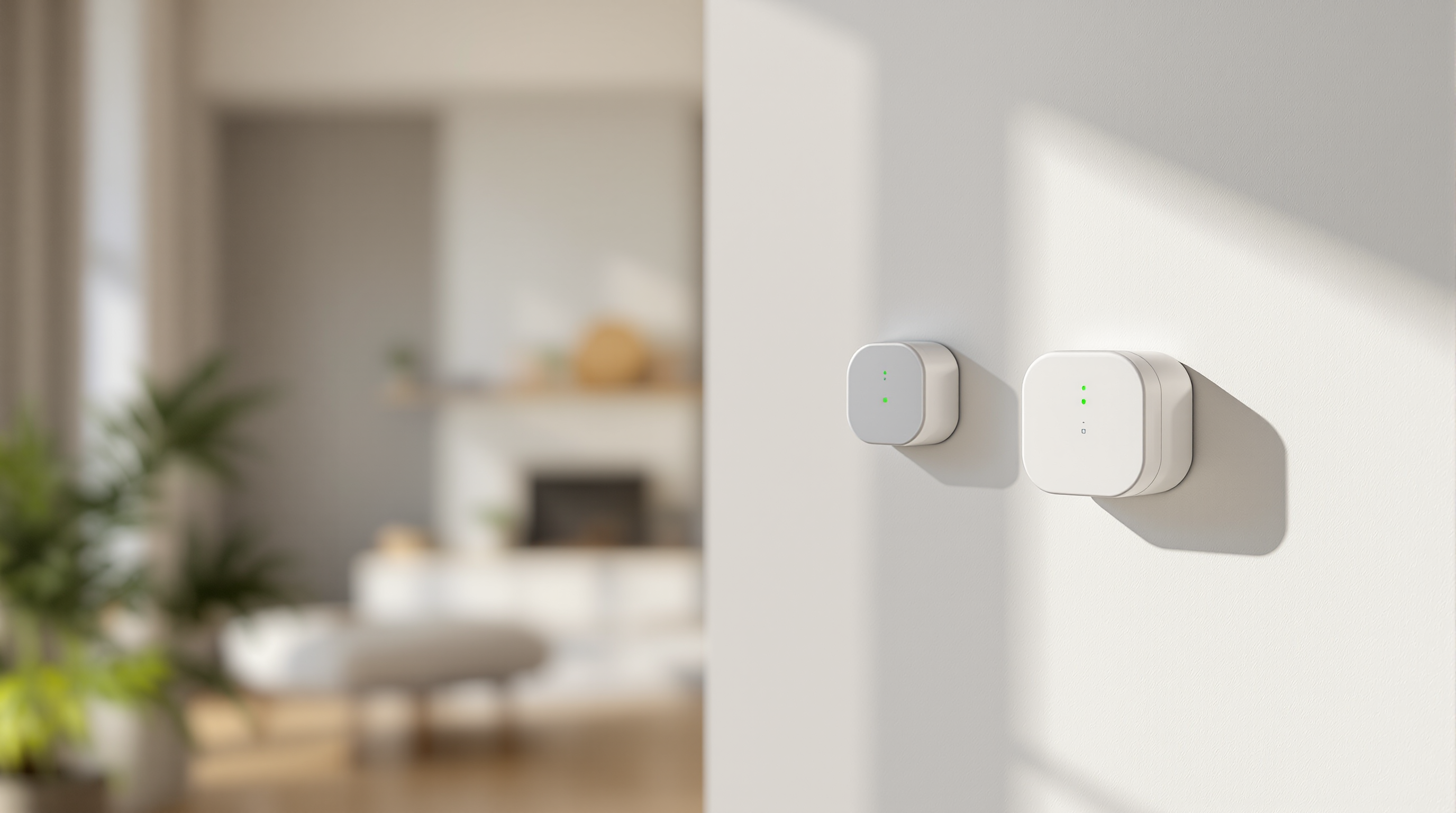
Humidity sensors are not precise rulers. They are estimates with a published tolerance, much like a kitchen scale that is accurate "to within two ounces." The sensor in your home is almost certainly the Aeotec Water Sensor 7 Pro (model ZWA019), which is the unit Shipshape ships to nearly every monitored home. It is specified at plus or minus three percent relative humidity across its operating range. Most quality dehumidifier displays are in the same neighborhood, somewhere between plus or minus three and plus or minus five percent.
Here is why that matters. If the actual humidity in your room is exactly 55 percent, a sensor rated at plus or minus three percent is allowed to display anything between 52 percent and 58 percent and still be working within spec. Now put two sensors in the same room. One can legitimately show 53 percent while the other shows 57 percent, and both are correct.
| Device | Actual humidity | Reading shown | Within spec? |
|---|---|---|---|
| Shipshape sensor (Aeotec, ±3% RH) | 55% | 57% | Yes |
| Dehumidifier display (±3 to ±5% RH) | 55% | 53% | Yes |
| Difference you see | — | 4-point gap | Both correct |
That 4-point spread looks like a problem on the surface. It is not. Both sensors are reading the same room and both are within their published accuracy. This is the single most common reason customers call asking about sensor disagreement.
Where the Sensor Sits Changes What It Reads
Even before tolerance comes into play, sensors read the air they are actually touching, which is rarely identical to the air five feet away. Engineers call these little pockets of different conditions microclimates, and your home has more of them than you would think.
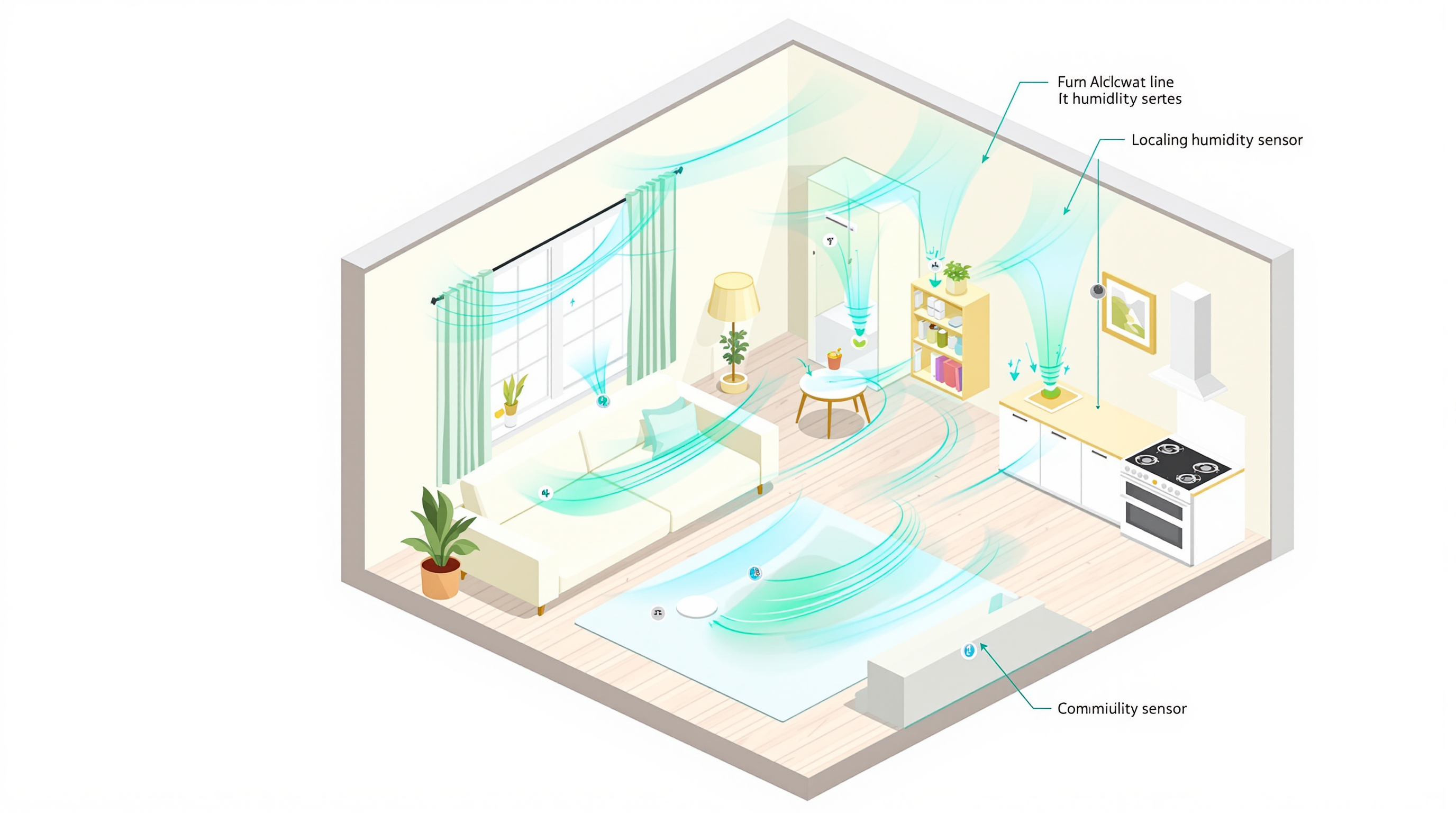
A sensor sitting within six feet of a bathroom door can read 5 to 15 percent higher than the rest of the room for an hour after a shower. A sensor near a kitchen reads higher while the dishwasher or stove is running. A sensor mounted on an exterior wall reads higher in winter because the cold wall surface raises the local relative humidity. A sensor directly in front of an HVAC supply vent reads drier than the rest of the room because conditioned air is being actively pushed past it.
Your dehumidifier's sensor sits inside the unit's intake, reading the air being actively pulled across it. The Shipshape sensor sits wherever your service professional mounted it, usually on a wall a few feet away. Those two air samples can be genuinely different by the time they reach each device.
Locations That Skew Readings
- Within 6 feet of a bathroom — shower steam creates 5 to 15 percent spikes that take time to dissipate
- Within 6 feet of a kitchen — cooking, dishwashers, and boiling water push humidity up locally
- On an exterior wall or next to a window — cold surfaces raise the local relative humidity reading
- Directly in an HVAC airflow path — moving conditioned air reads drier than still room air
- Inside a cabinet or enclosed space — sealed pockets do not mix with room air
- Right next to a houseplant — transpiration creates a small humid bubble
Humid Air Does Not Mix Instantly
It is tempting to assume the air in a closed room is the same everywhere. It is not. A few things are happening at once.
Humid air rises. Warm, moist air is lighter than cool, dry air, so humidity tends to be slightly higher near the ceiling and lower near the floor. A sensor mounted at chest height and one at thermostat height can disagree by several points just from height alone.
Closed doors trap pockets. Bedrooms, basements, and closets each develop their own micro-environment that only mixes when air actually moves between them. A dehumidifier in the basement may report 52 percent while a sensor upstairs reads 58 percent, because the two spaces are not freely exchanging air.
Humidity moves slower than temperature. When your dehumidifier kicks on, the air right next to it gets drier within minutes. The air 15 feet away can take 20 minutes or more to catch up. During that lag, the two sensors will disagree.
Time of day matters. Indoor humidity usually rises overnight and falls through the afternoon. A reading you take at 8 AM can easily differ from one at 4 PM even on a stable day. If you compare two devices an hour apart, you are comparing two different humidity environments.
Sensors Drift Slowly Over Time
Both sensors were calibrated at the factory, but neither stays perfectly calibrated forever. Two things gradually push readings off.
Dust and residue settle on the sensing element. Over months and years, this insulates the sensor slightly and shifts readings, usually upward. Quality sensors include compensation algorithms, but drift is real.
Long exposure to high humidity stresses the sensing material. Capacitive humidity sensors, which both the Aeotec and most modern dehumidifiers use, experience accelerated drift after sustained exposure above 85 percent relative humidity. Sensors in damp basements, near pools, or in poorly ventilated bathrooms drift faster than sensors in conditioned living spaces.
Dehumidifier sensors live in the hardest possible environment, which is air that is deliberately saturated with moisture, sometimes 24/7. They tend to drift faster than wall-mounted sensors in conditioned rooms. If your dehumidifier is more than 3 to 4 years old, the Shipshape reading is often the more trustworthy of the two.
How Shipshape's Reading Stays Accurate
The Aeotec Water Sensor 7 Pro uses a sealed capacitive humidity element rated at plus or minus three percent across 0 to 80 percent relative humidity. Shipshape collects readings every few minutes and smooths them over time, so a one-off spike from someone walking past with a hot cup of coffee does not trigger anything. The number you see in your app is a smoothed value, not a single instant reading.
| Spec | Value |
|---|---|
| Sensor model | Aeotec Water Sensor 7 Pro (ZWA019) |
| Humidity range | 0 to 80% RH |
| Humidity accuracy | ±3% RH |
| Temperature range | -10 to 65°C (14 to 149°F) |
| Temperature accuracy | ±1°C (±1.8°F) |
| Sensing technology | Capacitive |
| Reporting interval | Every few minutes, smoothed by Shipshape |
| Calibration | Factory-calibrated, no field calibration required |
If SAM detects a sustained reading that looks wrong, the smoothing layer catches it before it reaches your alerts.
A Real Example
Here is what a healthy disagreement looks like over the course of an afternoon. Both devices are working correctly.
| Time | Dehumidifier | Shipshape | Gap | What's happening |
|---|---|---|---|---|
| 2:00 PM | 55% | 57% | 2% | Normal baseline |
| 2:30 PM | 53% | 59% | 6% | Dishwasher running, kitchen plume reaches Shipshape sensor first |
| 3:15 PM | 52% | 55% | 3% | Plume dissipating, air mixing |
| 4:00 PM | 51% | 53% | 2% | Back to baseline |
Notice the gap widens, then closes. That is the air in the room actually being different in two places, then mixing back together. It is a feature of how the room behaves, not a sensor problem. Shipshape watches for exactly this kind of pattern when deciding whether your home's humidity is genuinely in a healthy range.
When the Difference Is Worth a Closer Look
Most of the time, a small disagreement between sensors is fine. A few patterns are worth flagging to your service professional, though.
A gap of 10 percent or more that does not close after an hour of air mixing in the same room. If your Shipshape sensor says 65 percent and your dehumidifier says 50 percent and neither budges, something is off.
One sensor stuck at the same number for days while the other moves with the weather. A sensor that reports 50 percent, 50 percent, 50 percent regardless of conditions has likely failed or is reporting a cached value.
Readings that look impossible for the conditions. A reading of 95 percent in a comfortable, conditioned room is almost certainly a sensor problem. A sudden 20-point jump with no obvious cause (no shower, no cooking, no weather change) is also worth investigating.
Your Home Health Score keeps flagging humidity even after you have adjusted your dehumidifier to what looks like a safe level on its own display. This usually means your dehumidifier sensor has drifted and you are actually living at a higher humidity than the dehumidifier admits to. Shipshape's wall sensor is showing you the truth.
In all four cases, the most likely issue is not that one device is "lying" to you. It is that one of them has drifted, the sensor is in a poor location, or there is an actual airflow problem in the room (a stuck damper, a leaky vent, or a hidden moisture source). Your service professional can compare both readings against a calibrated reference meter on a service visit and recalibrate or relocate as needed.
What To Do Right Now
- Do not panic about a 2 to 5 percent gap. It is within published accuracy for both devices.
- Check sensor placement. If your Shipshape sensor is right next to a vent, a window, or a bathroom door, that explains a lot. Your service professional can help relocate it.
- Compare over time, not at a single moment. Look at trends in your Shipshape app over a few days. Two sensors that track the same shape (up at night, down in the afternoon) are both working, even if the absolute numbers differ.
- Ask SAM. Your AI assistant in the Shipshape app can pull up your home's actual humidity history and tell you whether the pattern is normal or worth flagging.
- If the gap is sustained and large, request a service visit. A simple recalibration or relocation often resolves it in 15 minutes.
Shipshape Integration
Humidity data from your Aeotec sensor flows into SAM's moisture risk model. SAM watches for sustained readings above 60 percent (mold risk) and below 30 percent (HVAC over-drying, wood damage risk), and uses the smoothed reading rather than instant spikes. Brief microclimate variations from cooking or showering are filtered out automatically.
If your dehumidifier display and your Shipshape reading disagree by more than 10 percent for several hours, SAM flags it on your dashboard and your service professional sees it on their fleet view. They can then schedule a recalibration visit, validate against a reference meter, and decide whether the sensor needs to be relocated, recalibrated, or replaced.
The wall-mounted Shipshape sensor and the in-unit dehumidifier sensor are not competing measurements. They are two different windows into the same room, and they tell you more together than either does alone.