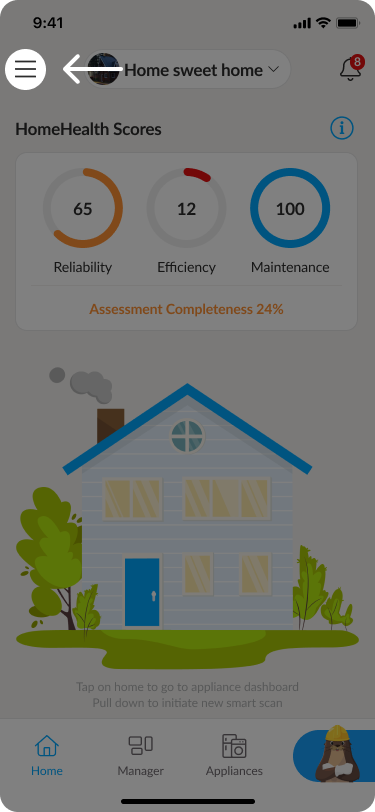
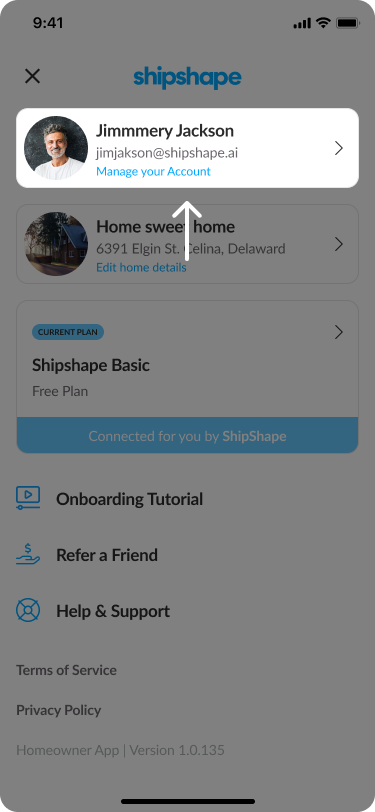
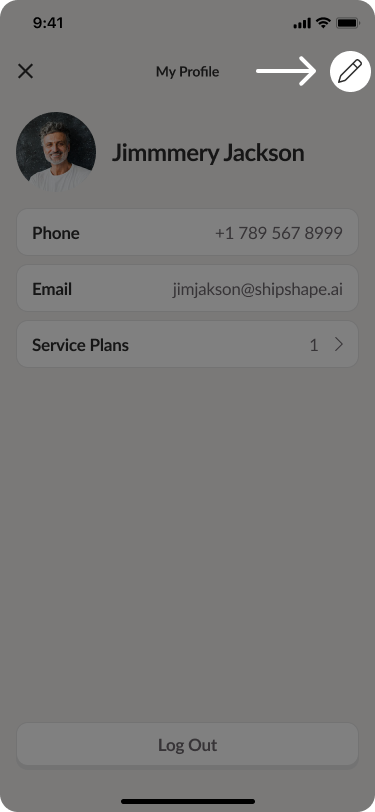
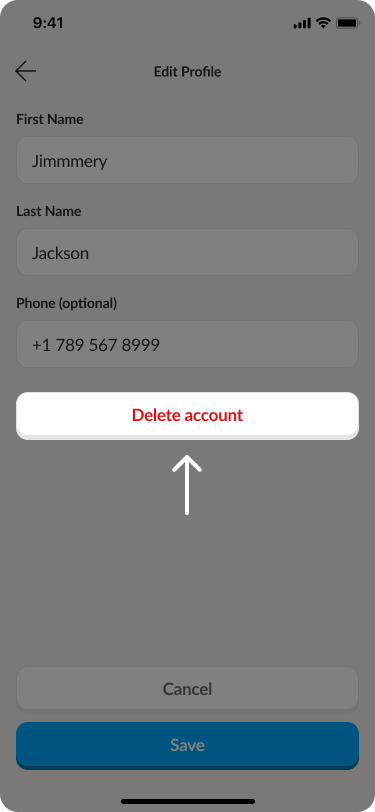
If you want to delete your Shipshape account, follow these steps:
⚠ Important: Deleting your account is permanent and cannot be undone. Make sure you want to proceed before confirming.
 Alexander Linn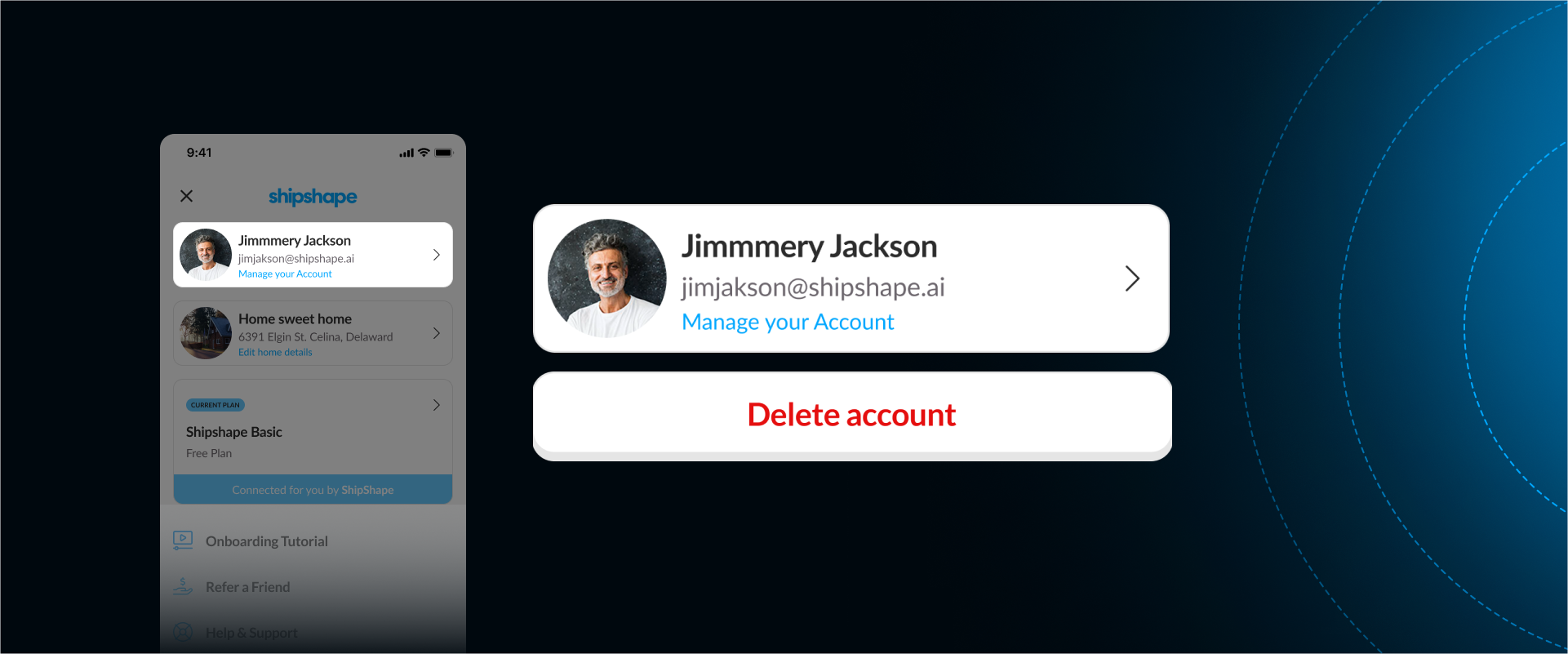
⚠ Important: Deleting your account is permanent and cannot be undone. Make sure you want to proceed before confirming.
We use cookies to improve your experience and analyze site traffic. Privacy Policy


