
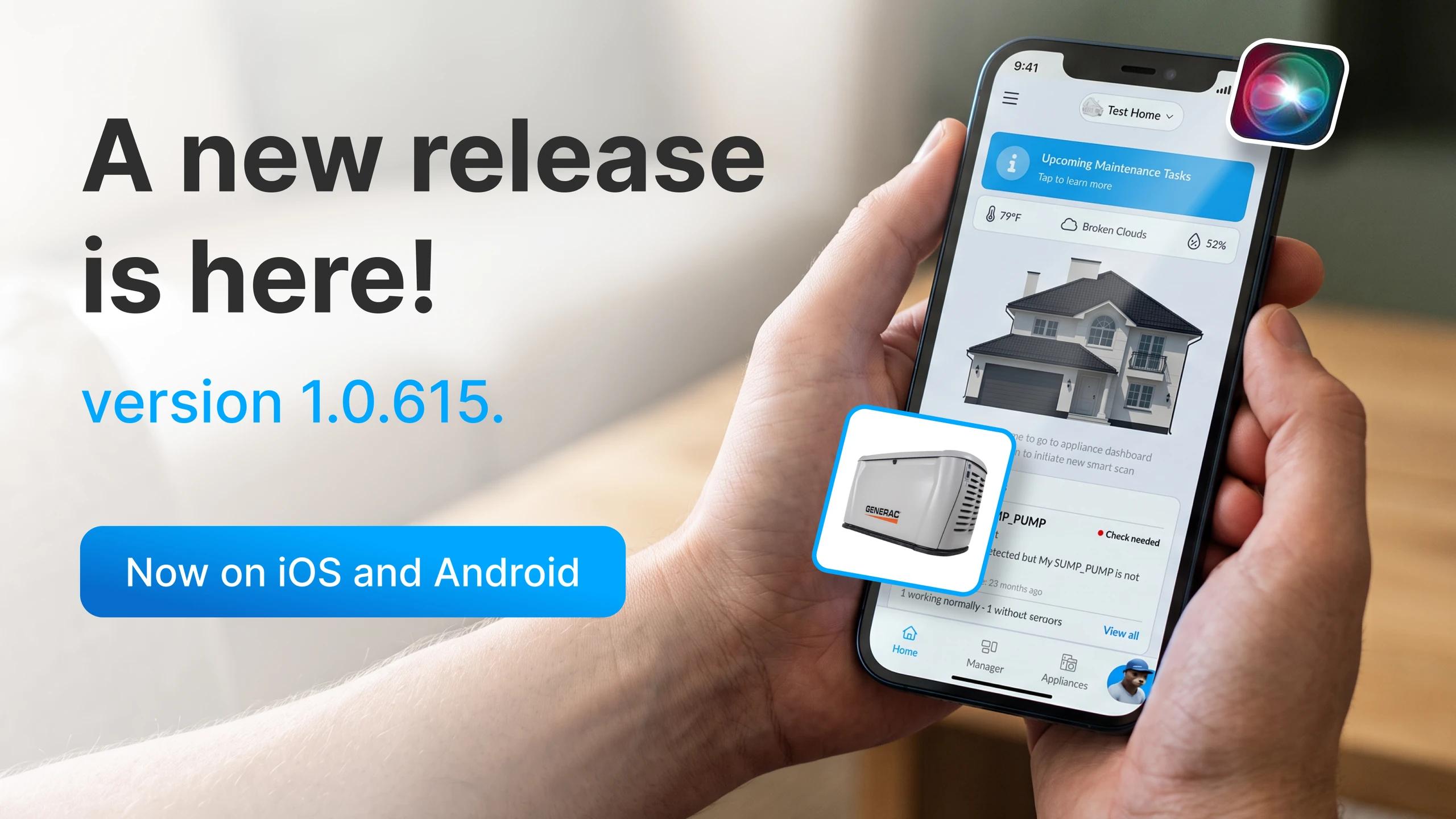
Version 1.0.615 of the Shipshape app is rolling out now on the App Store and Google Play, and it is one of the biggest updates we have shipped. It is built around one idea: you should not have to wonder whether your home is okay. Every appliance now shows you how it is doing, right on your home screen, and the app warns you before something fails instead of after. Here is everything that is new.
What's new in this release
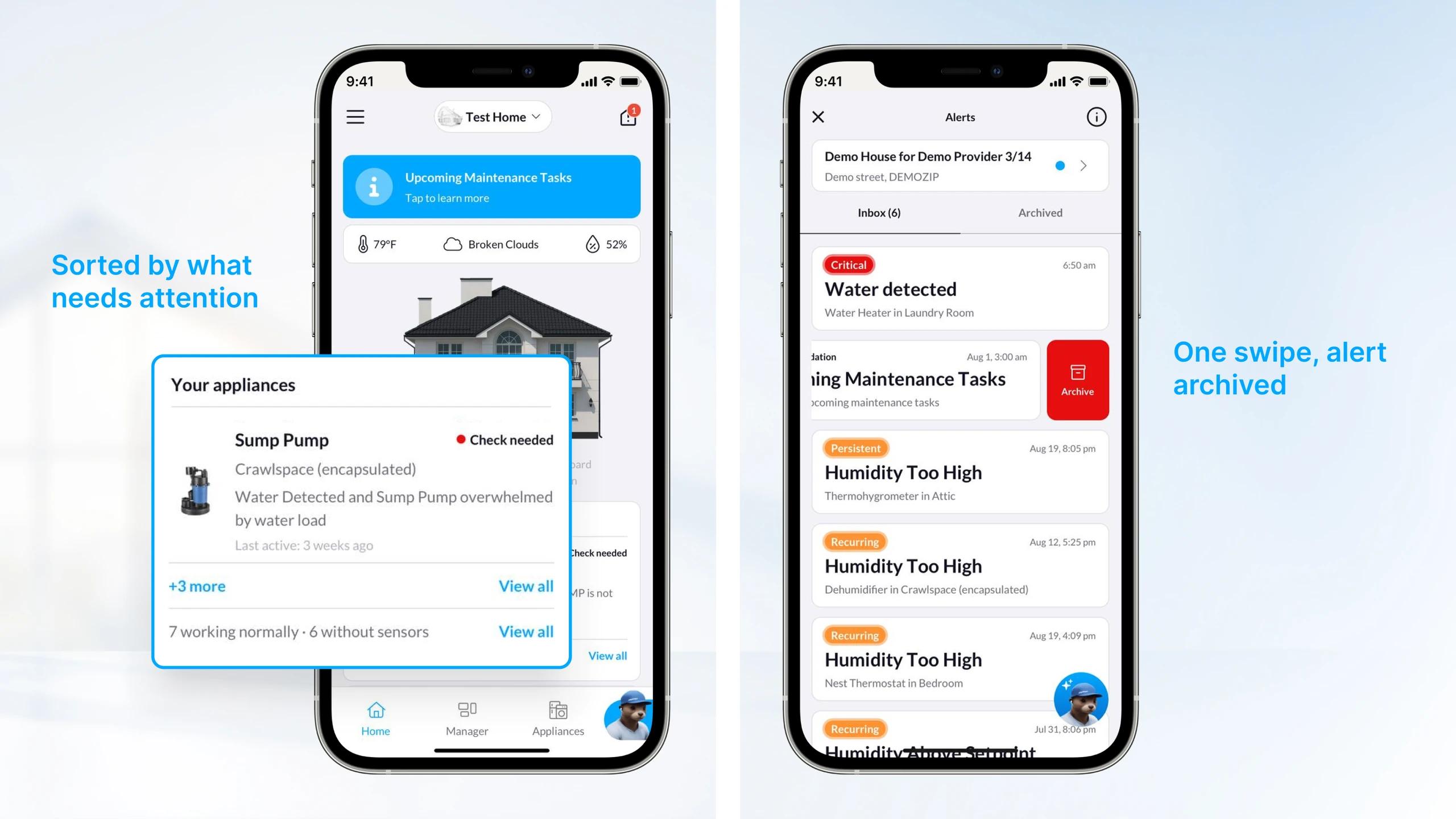
- Appliance status cards on your home screen, sorted worst-first
- End-of-life warnings so you replace an appliance on your terms, not after a breakdown
- Trend charts for humidity and temperature on every sensor-equipped appliance
- One-swipe alert dismiss, a Recurring badge, clearer AC condensation alerts, and leak "all clear" notices
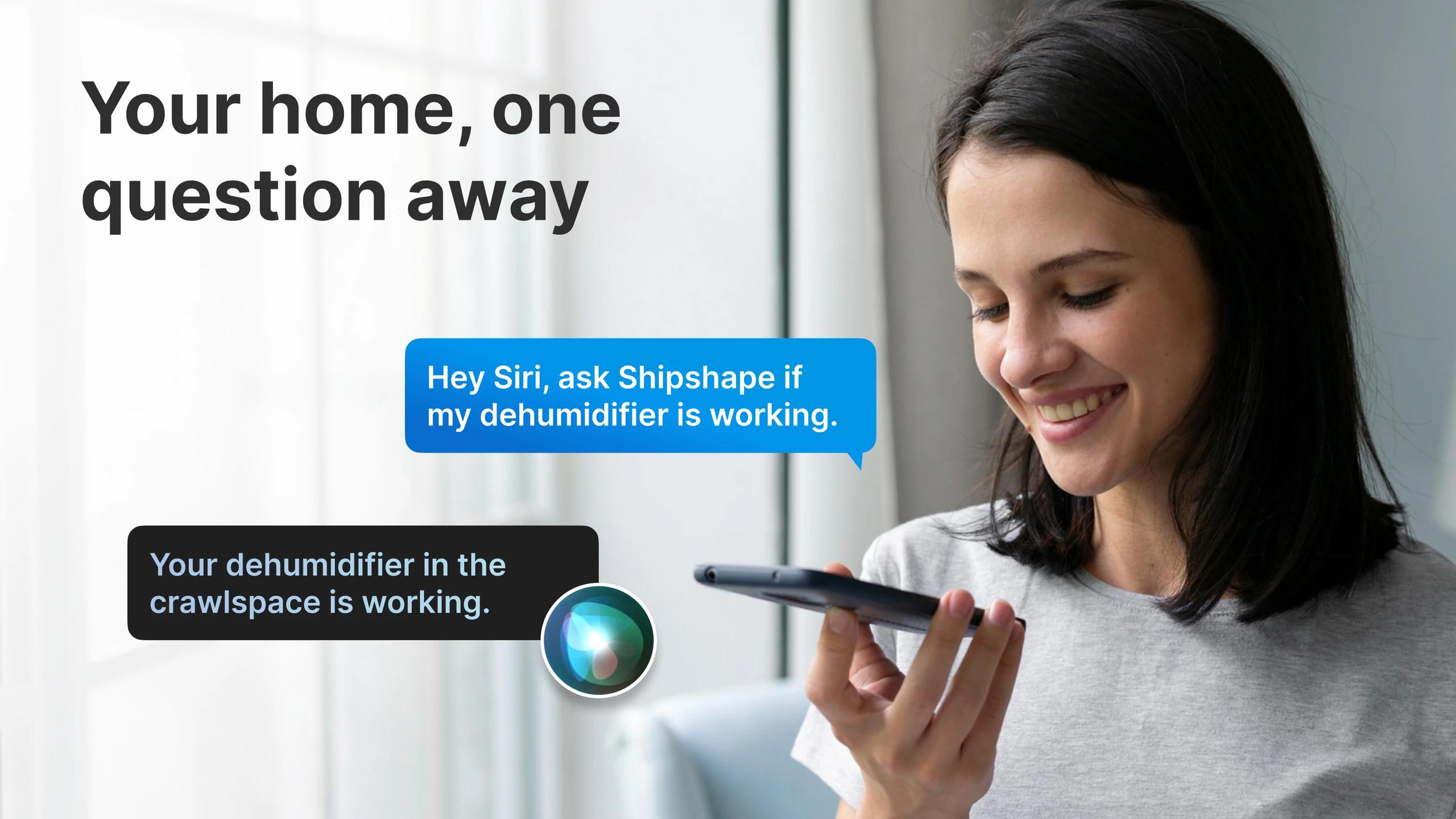
- Siri on iPhone: ask if your sump pump is working and hear the answer
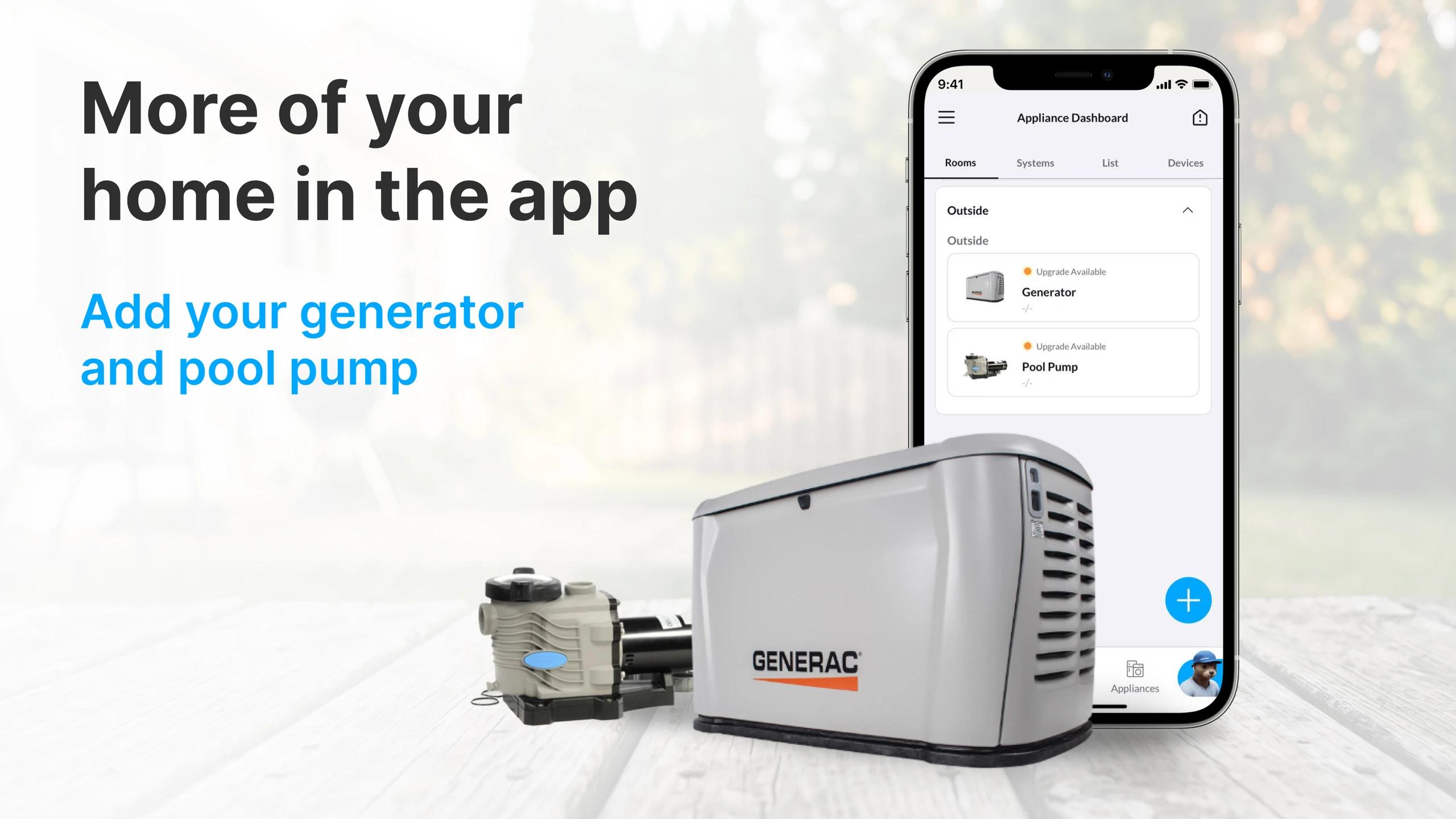
- Generators and pool pumps as appliance types, door and window sensors, service record export
- For technicians: Choose a Kit guided setup, sensor placement guides, no duplicate homes, voice notes
Available now for Shipshape Home, Environment Masters Home, and Five Star Home, on iOS and Android.
Every appliance, right on your home screen
Homeowners used to call us to ask whether their dehumidifier was running. Now you just look. The home screen leads with a card for each appliance: Working normally, Needs attention, Check needed, or Offline, with a one-line reason underneath, like "Humidity 52%, ideal range" or "No activity in 7 days." The card that needs you is the first one you see. Your Home Health scores are still there, right below.
Alerts that get out of your way
Handled an alert? Swipe it away. Archiving is now one gesture from the list, with a single confirmation for the serious ones like water leaks. Alerts that keep coming back carry a Recurring badge, so you know when one needs a human rather than a reset. When a water sensor near your air conditioner trips, the alert now says what it almost always means: condensation is not draining, check the drain pan. And when a leak alert clears, you hear about that too, so a two-minute blip does not ruin a weekend away.
Warnings before the bill, not after
A heads-up before an appliance wears out
The most useful alert is the one that arrives while you still have options. This release adds a heads-up when an appliance is nearing the end of its expected service life. You get told once, early, so replacing a water heater becomes something you plan for, not something you discover on a Sunday night.
An eye on the power
The app also began keeping an eye on the power reaching your appliances. Unstable voltage quietly shortens the life of motors and compressors, and the app now records it on SmartPower-connected equipment so we can tell you when something looks off.
New on iPhone: just ask Siri
You can now ask about your home without opening the app. After you have signed in once, Siri answers from your live data.
A few things you can say:
You: "Hey Siri, ask Shipshape if my dehumidifier is working."
Siri: "Your dehumidifier in the crawlspace is working."
You: "Ask Shipshape if my sump pump is working."
Siri: "Your sump pump in the basement is working."
You: "Ask Shipshape if anything is wrong at home."
Siri: "You have no open alerts."
You can also ask when an appliance last ran, how your home health is doing, and what maintenance is coming up. If you use one of our partner apps, use its name instead of Shipshape.
New appliance types and other additions
Two appliances that many homes rely on, and the app did not track until now, join the list: the standby generator and the pool pump. Add them like any other appliance and they get their own maintenance schedule.
- Door and window sensors (Aeotec 7 Pro and 8) are supported.
- Each appliance page now shows the devices attached to it, with all of their readings.
- The Home Health Assessment takes fewer steps, and your report is sent automatically unless you turn that off.
Charts and records
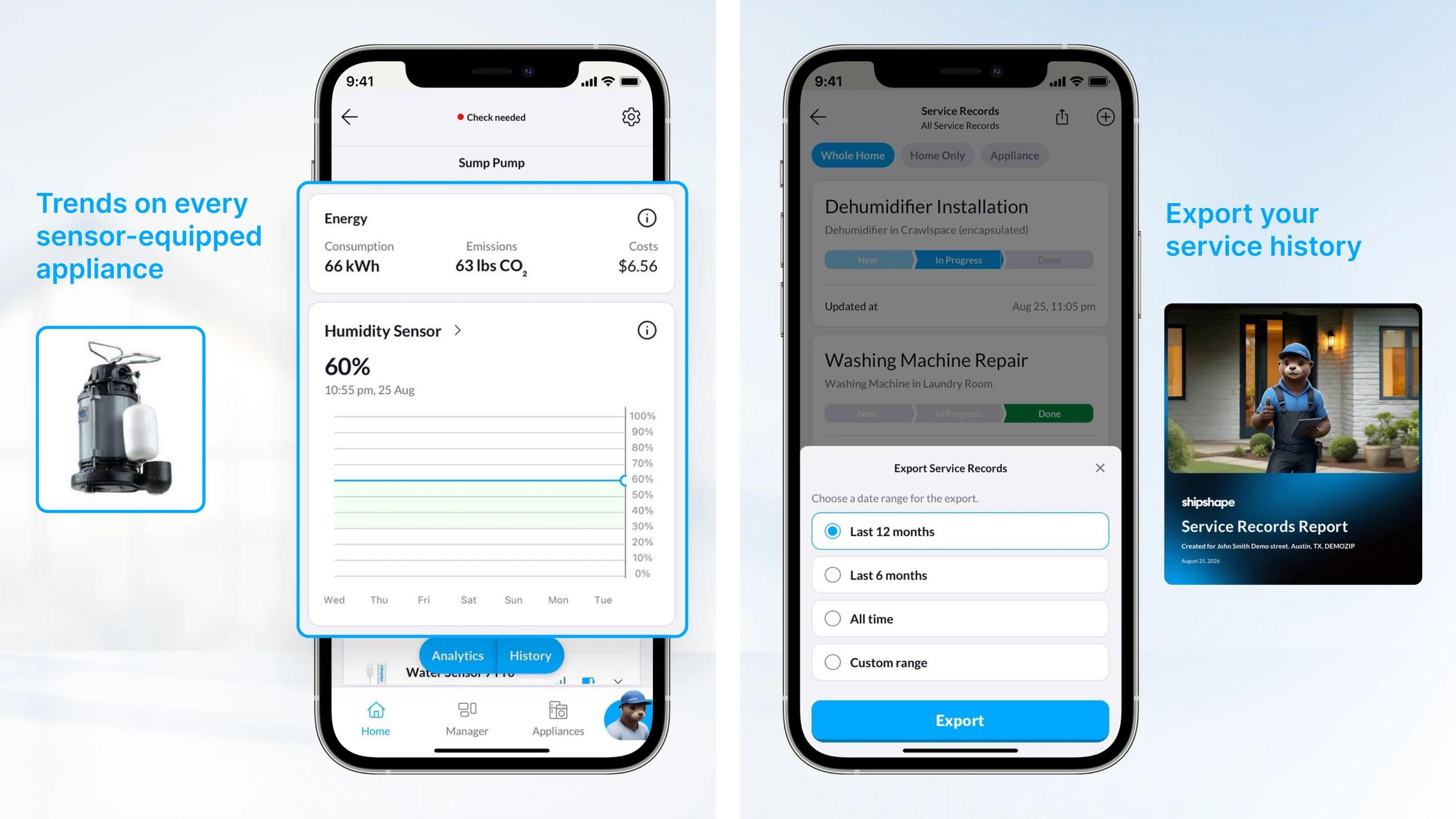
Humidity and temperature charts now appear on every appliance with a sensor that measures them, not only the dehumidifier. Your furnace and sump pump get the same seven-day view, so you can see a slow drift long before it becomes a problem. And when an insurer, buyer, or contractor asks for your service history, export it straight from the app for the last six months, twelve months, or all time.
For technicians: a setup that succeeds the first time
The setup is the first thing a homeowner sees, so this update rebuilds it for the technicians who do the work. And because your customers now see every appliance's status on their home screen, and can ask Siri whether the sump pump is running, expect fewer "is it working?" calls and more conversations about planned replacements when an end-of-life heads-up arrives.
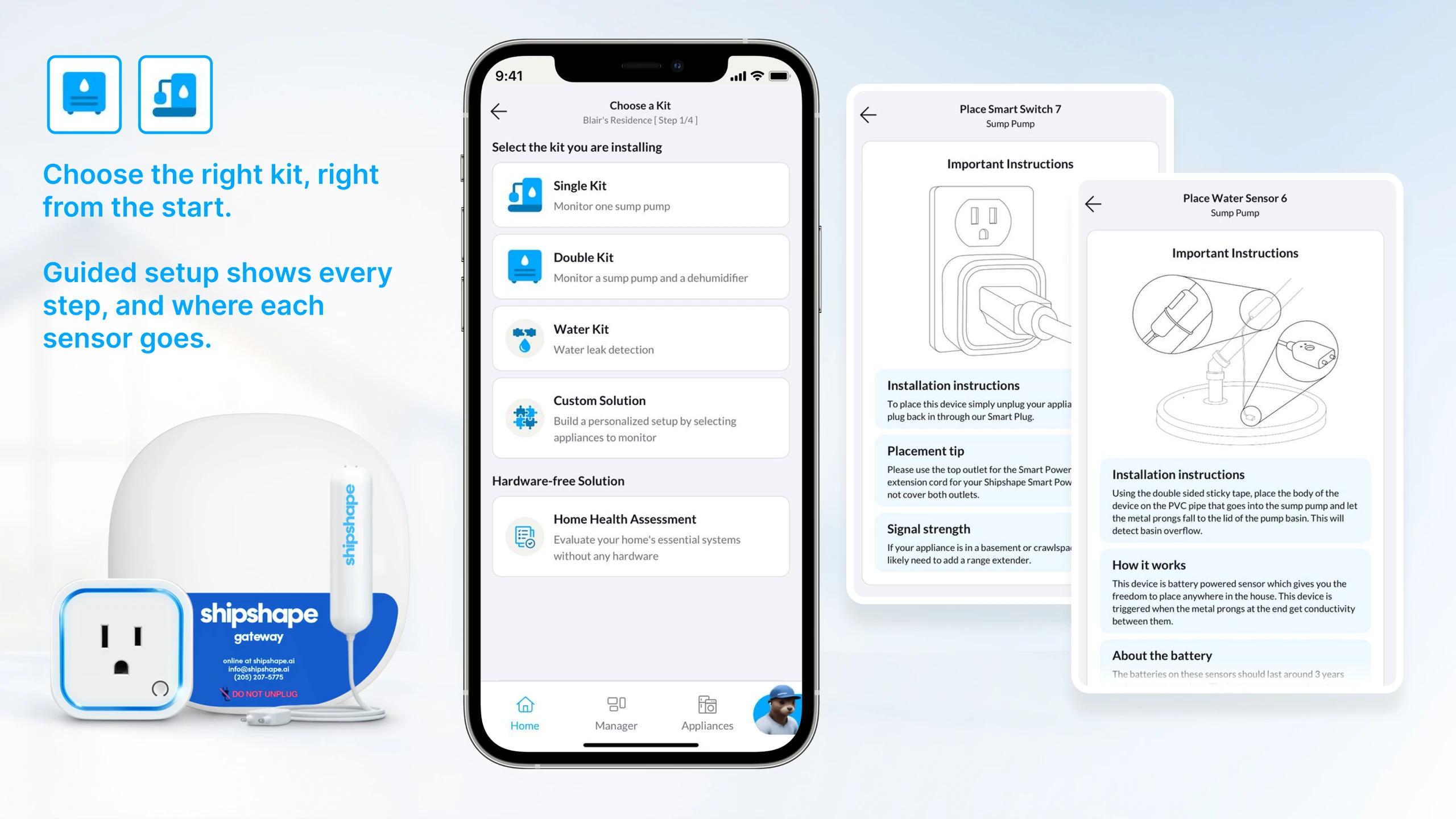
- Choose a Kit. Pick the kit you are installing and the app walks you through only the steps that apply, with a green check the moment the gateway connects.
- Placement guides. Before pairing, a visual guide shows exactly where each sensor goes, so the data is right from day one.
- No duplicate homes. If a home already exists at the address, the app says so and helps the homeowner connect to it instead of creating a second one.
- Voice notes. Dictate your post-install notes instead of typing them in a crawlspace.
- Maintenance on site. Open a home and see its overdue tasks; complete them while you are there and the service record writes itself.
- Home Health Assessment in Pro Mode, one tap from the installer dashboard.
Update now
Version 1.0.615 is live. Update your app and let your home do the talking:
Download on the App Store | Get it on Google Play
Using Environment Masters Home or Five Star Home? The same update is waiting in your app store. The release also brings a long list of stability fixes on iOS and Android. Questions? Reach us at support@shipshape.ai. Real humans, fast answers.


