Hardware Warranty & Replacements
Overview
Your Shipshape monitoring hardware is covered by a device warranty as part of your monitoring subscription. If a sensor, smart plug, or gateway stops working under normal use, we replace it at no charge. This article explains what is covered, how to request a replacement, and what to do with the old unit.
What's Covered
An active monitoring subscription includes a device warranty covering your monitoring hardware — the gateway, snap-on sensors, and smart plugs that came with your system.
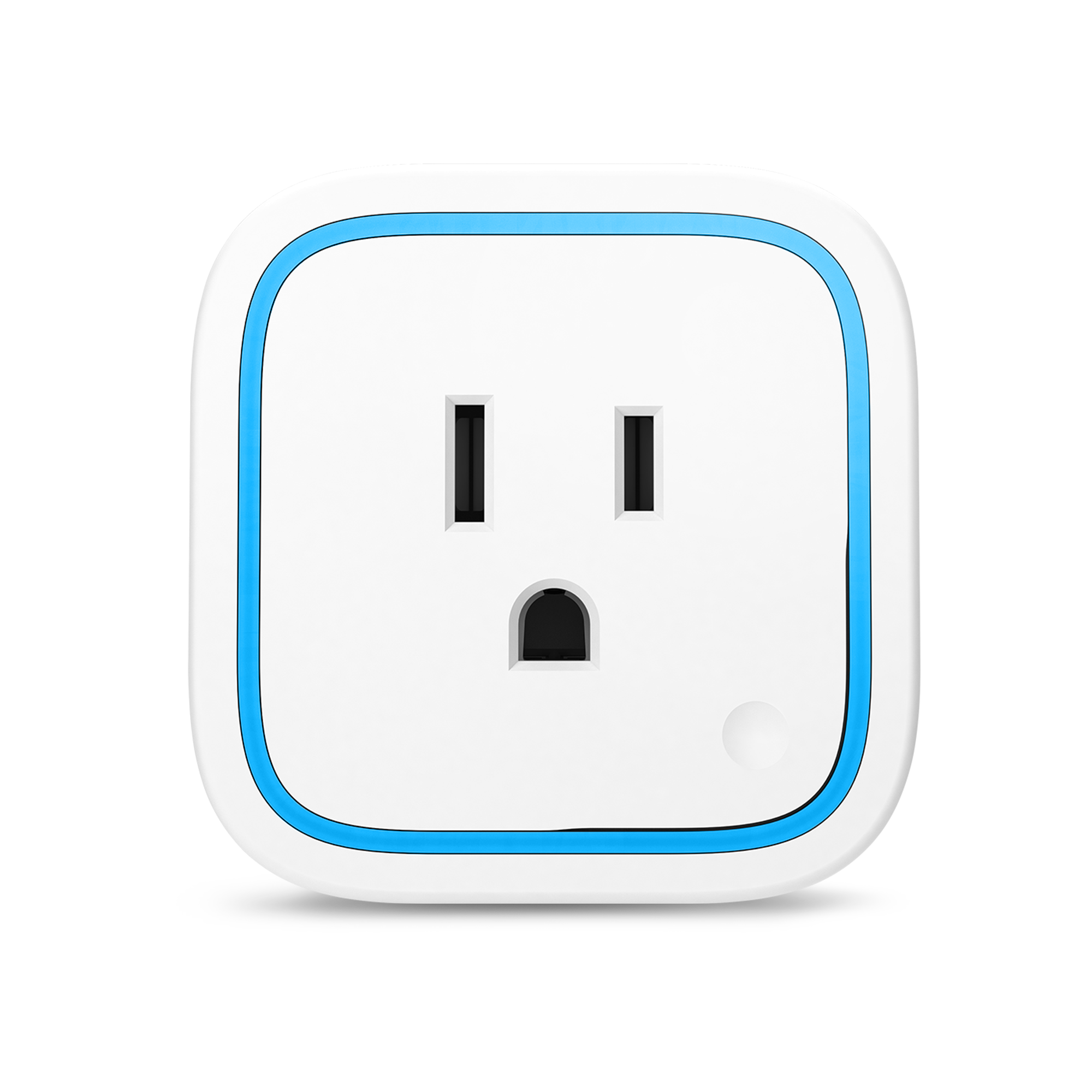
Covered:
- Hardware that fails or stops communicating under normal use
- A device that arrives faulty or stops working on its own
- Sensor batteries (your service professional can swap these during a visit, or you can do it yourself — see Leak Sensor Battery)
Not covered:
- Physical damage from misuse, flooding, fire, or power surges outside the device's rating
- Lost or stolen equipment
- Hardware bought separately and not part of Shipshape monitoring
If you are not sure whether something is covered, just ask — we would rather take a look than have you guess.
How to Get a Replacement
- Confirm the device actually needs replacing. A device showing offline is often a quick fix. Try the steps in My Smart Power Plug Shows Offline first, since many "failures" are really a range or power issue.
- Contact Shipshape support (or your service professional) and let us know which device is failing and which appliance it monitors. Have your home address or account name and the device's serial number or QR code ready.
- We ship the replacement to you at no charge. You will get a confirmation, and tracking once it is on the way.
- Pair the new device when it arrives. For a smart plug, follow Replace a Smart Plug on an Appliance. For sensors or a gateway, your service professional can help, or support can walk you through it.
While you wait for the replacement, keep the affected appliance plugged straight into the wall so it keeps running. Monitoring simply pauses for that one device until the new one is online.
What to Do With the Old Unit
In most cases, you do not need to send the old unit back. Keep it or recycle it through your local e-waste program — return shipping a small device usually is not worth your time or ours.
Once in a while, our team may ask to have a failed unit returned so we can investigate the failure or send it back to the manufacturer. If we do, we will email you a prepaid shipping label and simple instructions. This is always optional and we will only ask when it is genuinely helpful. There is never a charge to you either way.
Quick Reference
| Question | Answer |
|---|---|
| Who is covered? | Anyone with an active monitoring subscription |
| What does a replacement cost? | Nothing — covered hardware is replaced at no charge |
| How do I start? | Contact support or your service professional |
| Do I send the old one back? | Not usually. Keep or recycle it. We will send a prepaid label only if we ask for it |
| Will my appliance be unprotected? | Plug it into the wall; it keeps running while monitoring is paused |
When to Contact Support
Reach out to Shipshape support if:
- A device has failed and the troubleshooting steps did not bring it back online.
- A device arrived faulty or stopped working shortly after install.
- You are unsure whether a problem is covered by the warranty.
- You received a replacement and need help pairing it.
Important for SAM: Do not quote specific hardware prices, subscription prices, or warranty term lengths from memory. Confirm coverage and start any replacement through Shipshape support. Direct pricing questions to shipshape.ai/store and shipshape.ai/pricing.